
Documentation Index

Fetch the complete documentation index at: https://developers.fireblocks.com/llms.txt

Use this file to discover all available pages before exploring further.

Fireblocks no longer supports the Reactive Native SDK and Flutter SDK.

Web SDK Installation

Install the Fireblocks “EW SDK” and “EW Core SDK” using npm:
npm i @fireblocks/ncw-js-sdk
npm i @fireblocks/embedded-wallet-sdk
Or yarn:
yarn add @fireblocks/ncw-js-sdk
yarn add @fireblocks/embedded-wallet-sdk
You can find the web demo code here.

Android SDK Installation

First, add our maven repository configuration to your settings.gradle file:
repositories {
       maven {
            url "https://maven.fireblocks.io/android-sdk/maven"
            name = "android-sdk"
            credentials(HttpHeaderCredentials) {
                name = "Deploy-Token"
                value = "-fU8ijmuPohHaqDBgpaT"
            }
            authentication {
                header(HttpHeaderAuthentication)
            }
        }
    }
Then, add the Fireblocks SDKs dependency to your application’s build.gradle file using the most updated bom version:
implementation "com.fireblocks.sdk:bom:1.0.2"
implementation "com.fireblocks.sdk:ew"  
implementation "com.fireblocks.sdk:ncw"
  • You can find the Android Demo code here.
  • You can find the Android SDKs documentation here.

iOS SDK Installation

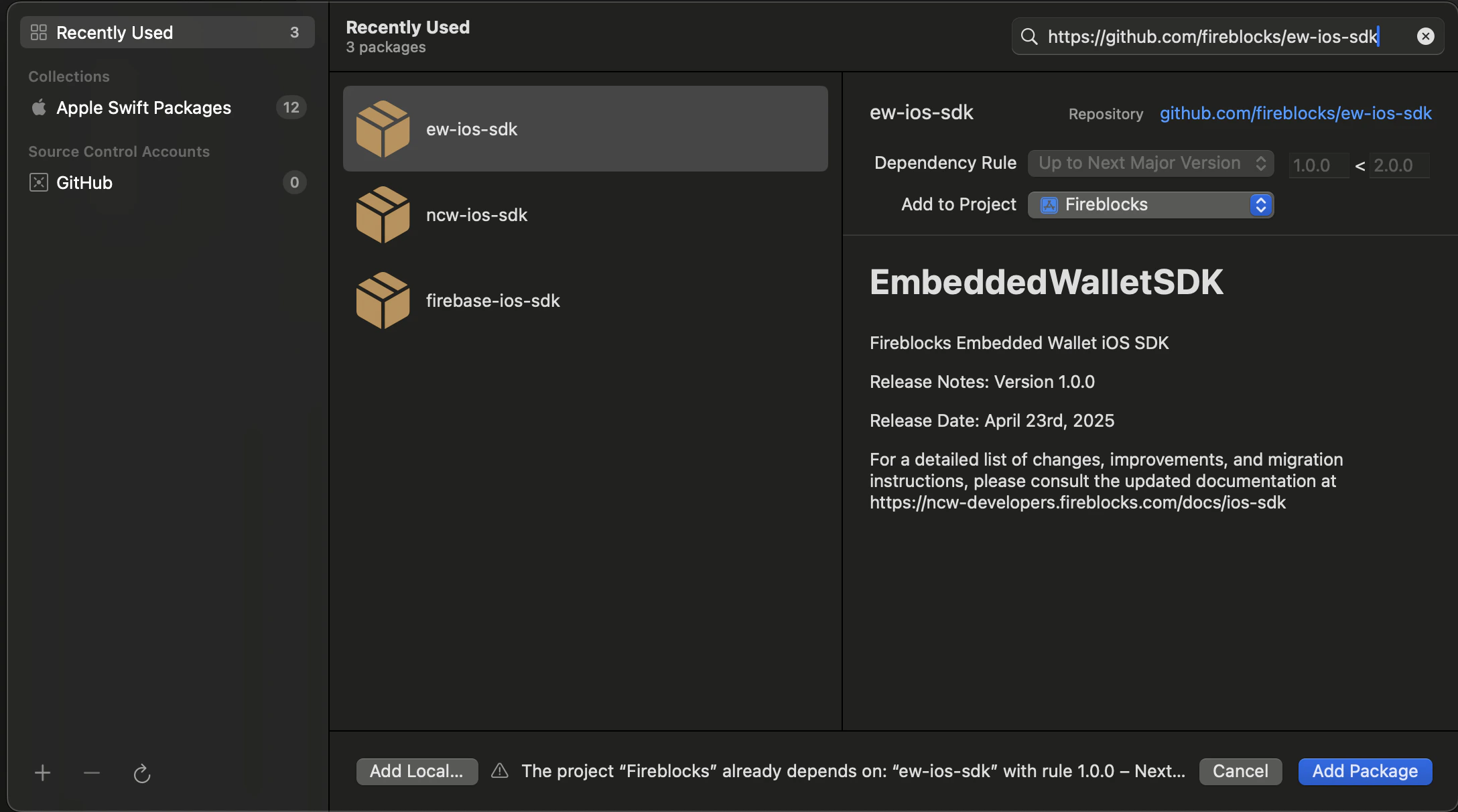
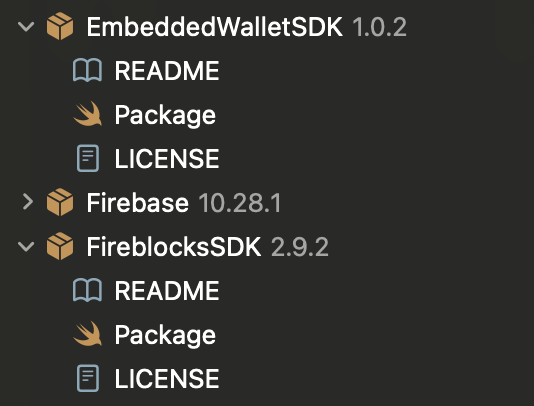
First, in your iOS Project, add the Fireblocks Embedded Wallet SDK package: Now add the the Fireblocks NCW iOS SDK package: Then, after the SDK packages are added to the project, you should see them under the Package Dependencies section in the Project Navigator: Lastly, import the SDK libraries:
import EmbeddedWalletSDK 
import FireblocksSDK
  • You can find the iOS demo code here.
  • You can find the iOS SDKs Docs here.