
- Burn on chain A, mint on chain B
- Burn on chain B, mint on chain A
MINTER_ROLE and BURNER_ROLE.
Prerequisites
Before you begin, make sure you have:- Two ERC20F tokens deployed on different blockchains and linked to your workspace
- Token link IDs for both tokens
- Vault account with enough native gas tokens on each chain
- Admin addresses for:
DEFAULT_ADMIN_ROLE → defaultAdminAddressCONTRACT_ADMIN_ROLE → delegateAddressPAUSER_ROLE → pauserAddress
Step 1: Initialize the SDK
Step 2: Deploy Adapters
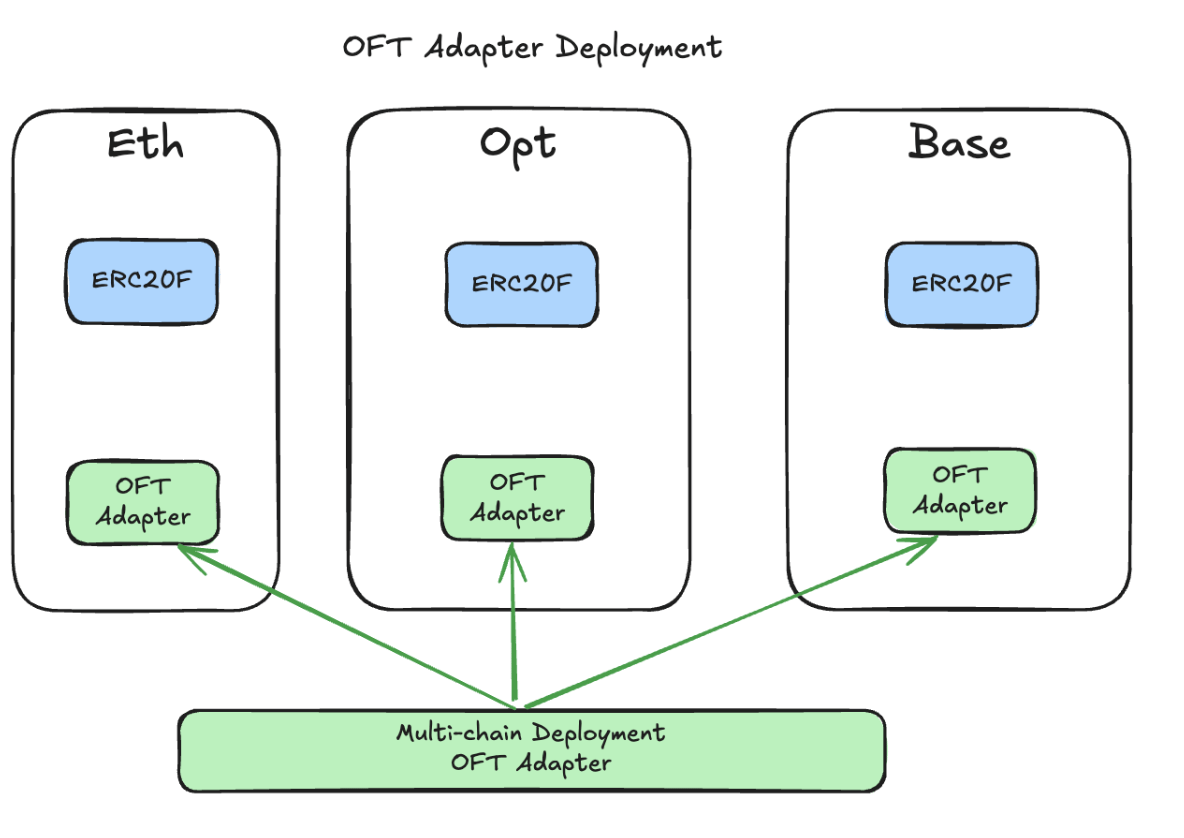
deployAndLinkAdapters. This generates three transactions per adapter:
- Contract deployment
- Grant
MINTER_ROLE - Grant
BURNER_ROLE
adapterLinkId values for the next steps.
Step 3: Configure Adapter Peers
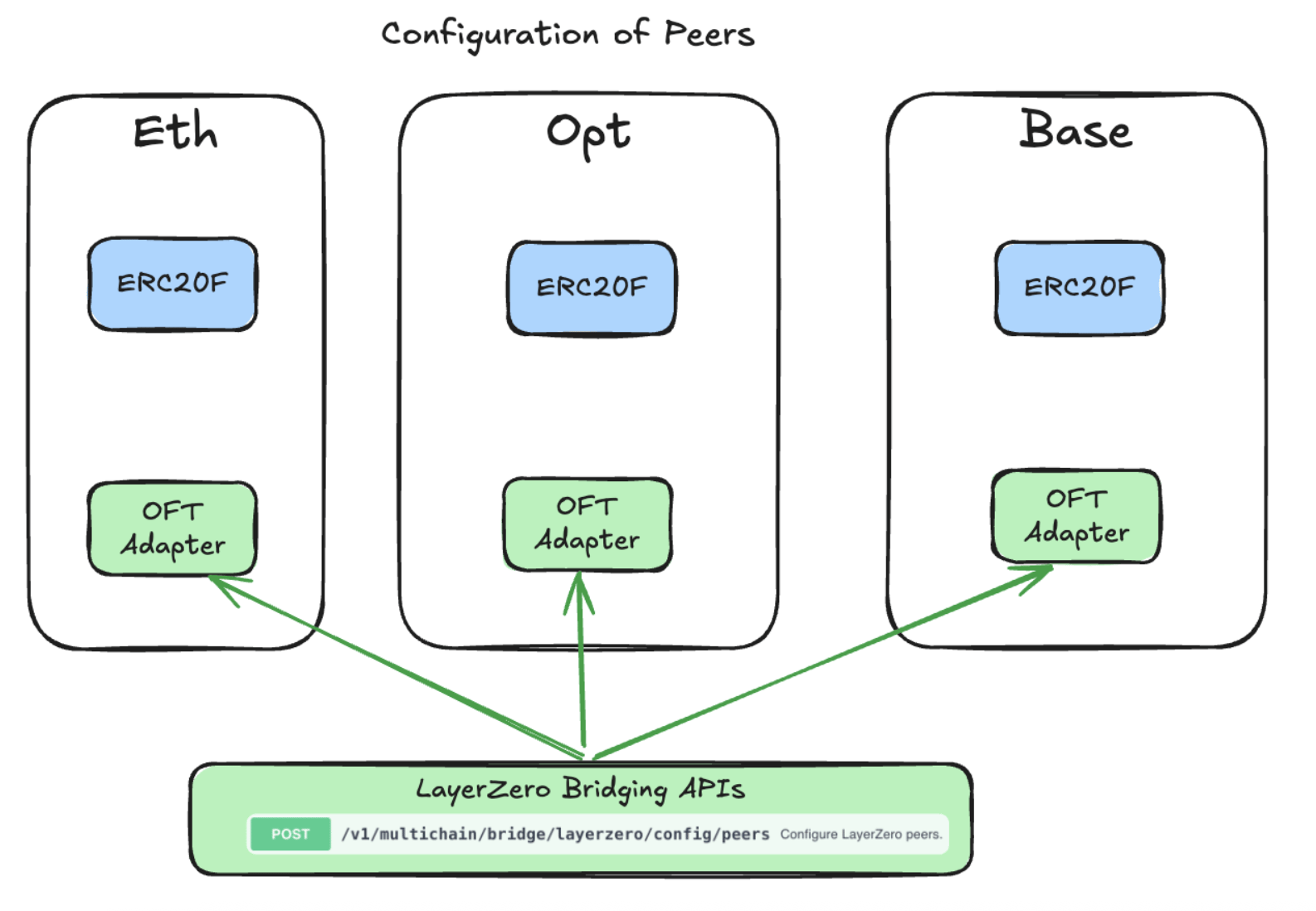
getLayerZeroPeers function of the SDK.
Step 4: Configure Decentralized Verifier Networks (DVNs)
LayerZero uses DVNs for message verification. You need to fetch the current DVN configuration and then explicitly set it for your adapter channels.Fetch current configuration
Set configuration
Troubleshooting
- Insufficient gas: Top up native tokens on both chains
- Role errors: Verify all admin addresses
- Peer setup issues: Make sure both adapters are deployed before linking
- DVN errors: Run
validateLayerZeroChannelConfigfor diagnostics
Next Steps
After setup, you can:- Test cross-chain transfers (
approve,quoteSend, thensend) - Bridge tokens directly via adapter contracts (
quoteSend→send). - Add more adapters for additional chains
- Customize DVN settings for advanced verification